RPG Maker Save Editor
Edit the save of any game made with RPG Maker 2000, 2003, XP, VX, VX Ace, MV or MZ: gold, items, weapons and armour, party members, actor levels, experience, HP, skills and equipment, switches, variables, self switches and position. Add the game’s data folder to see every name.
Your save stays on your computer. The editor runs entirely in your browser. Files are read and written locally and never uploaded.
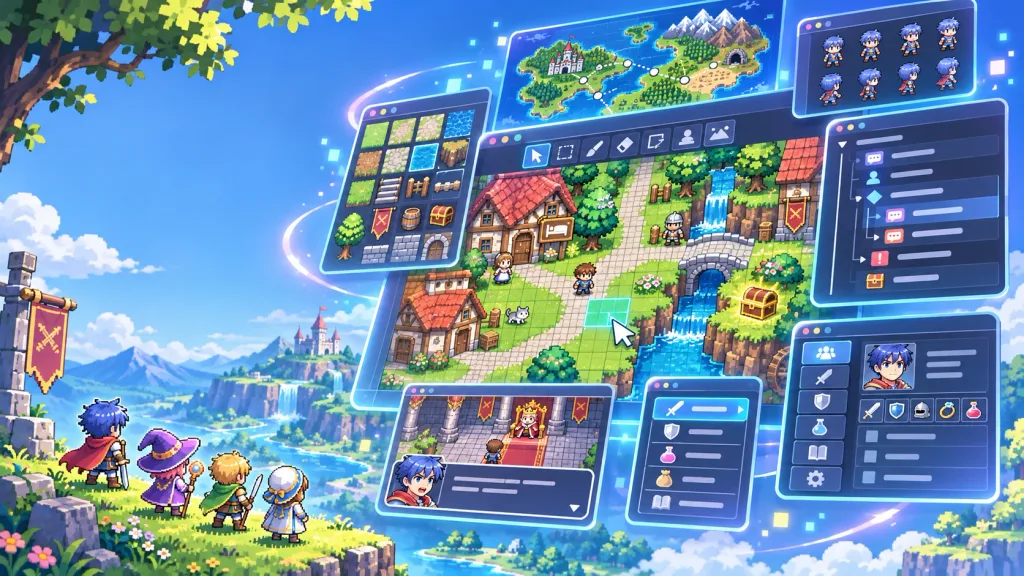
Tip: drop the whole game folder (or a zip of it) and the editor also reads the game’s database (data/*.json, Data/*.rvdata2, Game.rgss3a, RPG_RT.ldb), so actors, items, switches and maps show their names. Nothing is uploaded.
Where RPG Maker games keep saves
- MZ
<game folder>/save/file1.rmmzsave- MV
<game folder>/www/save/file1.rpgsave (or save/ next to the program)- VX Ace
<game folder>/Save01.rvdata2- VX
<game folder>/Save1.rvdata- XP
<game folder>/Save1.rxdata- 2000 / 2003
<game folder>/Save01.lsd
Most RPG Maker games save in their own folder: in Steam, right-click the game → Manage → Browse local files. Some games move saves to Documents or %APPDATA% (look for a folder with the game’s name). Browser versions keep saves inside the browser and can’t be opened here.
Copy the save somewhere safe before you edit it, and quit the game first.
What you can do
Every RPG Maker
Saves of RPG Maker 2000 and 2003 (.lsd), XP (.rxdata), VX (.rvdata), VX Ace (.rvdata2), MV (.rpgsave) and MZ (.rmmzsave), told apart by their content.
Names from the game
Add the game folder, its data folder or its encrypted Game.rgssad / .rgss2a / .rgss3a archive, and every actor, class, item, skill, switch, variable and map shows its name.
Gold and counters
Gold, steps, play time, save count and battle counts.
Items, weapons and armour
Set how many of each the party has, add any item from the game’s database, or fill everything owned to the maximum.
Party members
Add actors to the party, remove them or change their order.
Actors
Name and nickname, class, level with matching experience, HP, MP/SP and TP, parameter bonuses, skills and equipment; recover and remove states.
Switches and variables
Every game switch and variable with its name from the database, searchable, to fix a stuck quest or reopen an event.
Self switches
The A–D switches of map events (XP and later): turn a chest or an event back on.
Position
Move the party to another place or map; the game sets up the map when the save loads.
Menu and save access
Turn saving, the menu, encounters and formation back on when an event left them off.
All values
Every value in the save as a searchable tree, including what plugins and scripts add, editable in place.
Byte-exact
An unchanged save is written back byte for byte, in the same compression and encoding; only edited values change.
Undo
Step back and forward through your edits before you download the save.
Formats
MZ .rmmzsave
JSON compressed with zlib (pako), stored as a binary string in UTF-8.
MV .rpgsave
JSON compressed with LZString to base64 (both lz-string versions MV games ship).
VX Ace, VX, XP
Ruby Marshal dumps of the game objects (Game_Party, Game_Actor …); custom script data is kept.
2000 / 2003 .lsd
LCF chunks, read with EasyRPG’s field tables; text in the game’s code page (Shift-JIS, 1252, 1251 …).
FAQ
Which games does it work with?
Games made with RPG Maker 2000, 2003, XP, VX, VX Ace, MV or MZ that save with the engine’s own save system — most of them. Games that encrypt their saves with a plugin, or save in their own format, can’t be read.
Why do I see numbers instead of names?
The save holds only ids: “item 12”, “switch 40”. The names are in the game’s database. Drop the game folder, its data folder (data/ or www/data/ for MV/MZ, Data/ for XP–Ace), its Game.rgss3a/.rgss2a/.rgssad archive or RPG_RT.ldb on the editor to see them.
Will the game accept the edited save?
The editor writes the file the way RPG Maker does, so the game reads it. Values out of the range a game expects, or switches a story isn’t ready for, can break events. Change little at a time and keep a backup.
I changed the level, but the experience went back. Why?
The game recomputes the level from experience. The editor sets the experience of the new level for you when it knows the curve: XP and VX keep it in the save, the other versions need the game’s database (add the game folder).
What about Steam Cloud?
If the game syncs saves with Steam Cloud, the cloud copy can replace your edited file at the next start. Turn Steam Cloud off for the game while you use edited saves.
Is my save uploaded anywhere?
No. The editor runs entirely in your browser; nothing is sent to a server.